Safe Login Practices
A few habits significantly reduce the risk of unauthorised access:
- Use a unique password for Rolletto - do not reuse credentials from other sites
- Avoid logging in over public Wi-Fi without a VPN
- Clear your browser session if using a shared computer
- Keep your registered email address current - it is the only recovery channel
- Check that the URL is rolletto.com before entering credentials (phishing sites mimic casino login pages)
Rolletto's support team is available 24/7 via live chat if you suspect unauthorised activity on your account. They can freeze access while an investigation takes place.
For more information, see the Bet section.
Rolletto stores your session automatically after a successful login, so you will not need to re-enter credentials every visit as long as you use the same browser and have not cleared cookies. However, if you switch to a private or incognito window, or if 60 days pass without any account activity, the session will expire and you will be prompted to log in again. The platform's inactive account policy means a balance review or fee may also apply after that 60-day window, so regular logins are worth making a habit of.
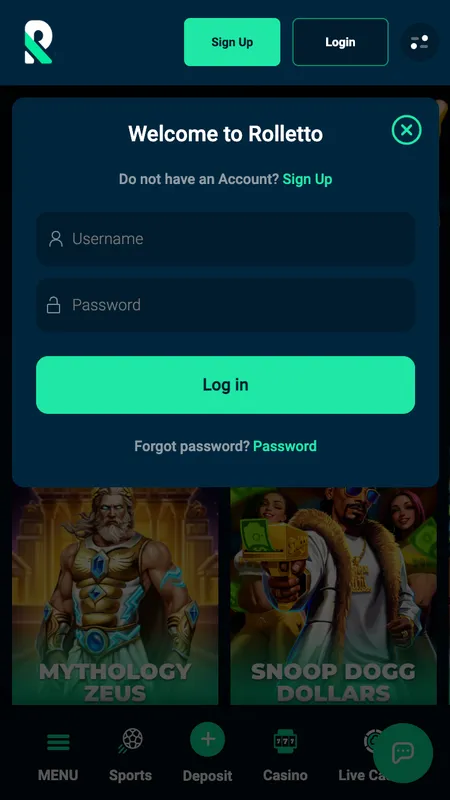
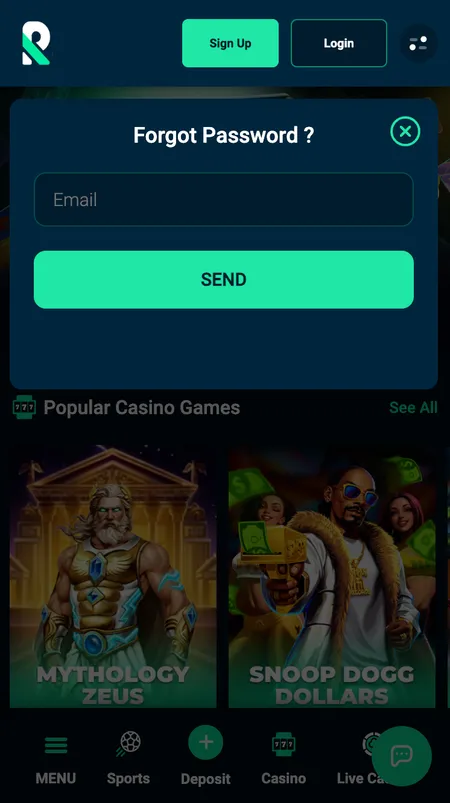
If you forget your password, the 'Forgot password?' link on the login form sends a reset link to the email address registered on your account - usually within a few minutes. Once reset, choose a password that is at least 8 characters and mixes letters and numbers; avoid reusing credentials from other sites. After regaining access, check the bonuses section to confirm no active offers have lapsed during your time away, since some promotions carry a 72-hour or 30-day expiry window tied to account activity.
Rolletto saves your session automatically after a successful login, so returning to the same browser on the same device will often keep you signed in without re-entering credentials. However, clearing your browser cache or cookies will end the session immediately, requiring a fresh login. If you share a device with others or use a public computer, always click the logout option in your account menu to close the session manually and protect your balance from unauthorised access.
Once you are logged in, the account dashboard gives you direct access to deposits, withdrawals, bonus activation, and your full game history. Before requesting a withdrawal, check that your KYC documents are approved - the verification process takes 24 to 48 hours and is required for payouts above £2,000. If you plan to use Rolletto bonuses after logging in, note that some offers require manual activation inside the bonus settings tab rather than being credited automatically.
Rolletto stores your session automatically once you log in through a browser, so returning players do not need to re-enter credentials on the same device unless they clear cookies or switch to private browsing mode. If you share a device with others, always use the 'Log out' option from your account menu to prevent unauthorised access. The platform does not currently offer two-factor authentication as a mandatory step, but the combination of 256-bit SSL, Cloudflare protection, and real-time anti-fraud monitoring means every login event is screened for suspicious patterns the moment you submit your credentials.
After a successful login, your personal cabinet gives you immediate access to your deposit history, active bonus status, KYC verification progress, and your saved list of favourite games. If you are planning to make a withdrawal, note that Rolletto requires identity documents to be approved before funds above £2,000 can leave your account - you can check the current status of your verification directly from the account settings tab without contacting support. Players who want to explore what is available before committing can visit the Rolletto bonuses page while logged in to see all personalised offers, including any active reload or cashback promotions tied to their account tier.
If you have not logged in for 60 consecutive days, Rolletto may apply inactivity fees or reduce your balance according to its dormant account policy. Reactivating a dormant account requires a standard login - once your credentials are accepted, the account is considered active again. If you cannot remember your username or the email tied to the account, contact support at [email protected] with any identifying information you have; the team operates 24/7 and typically responds to email within 24 hours.
After a successful login, the personal cabinet gives you direct access to deposit and withdrawal management, active bonus tracking, your full game history, and your favourites list. Before your first withdrawal, make sure your KYC documents are in order - the verification process takes 24 to 48 hours and covers identity proof, address confirmation, and payment method ownership. Completing this step in advance means you avoid delays when you are ready to cash out. For full details on available promotions after login, visit the Rolletto bonuses page.